
How to log in to Gold365: beginner steps
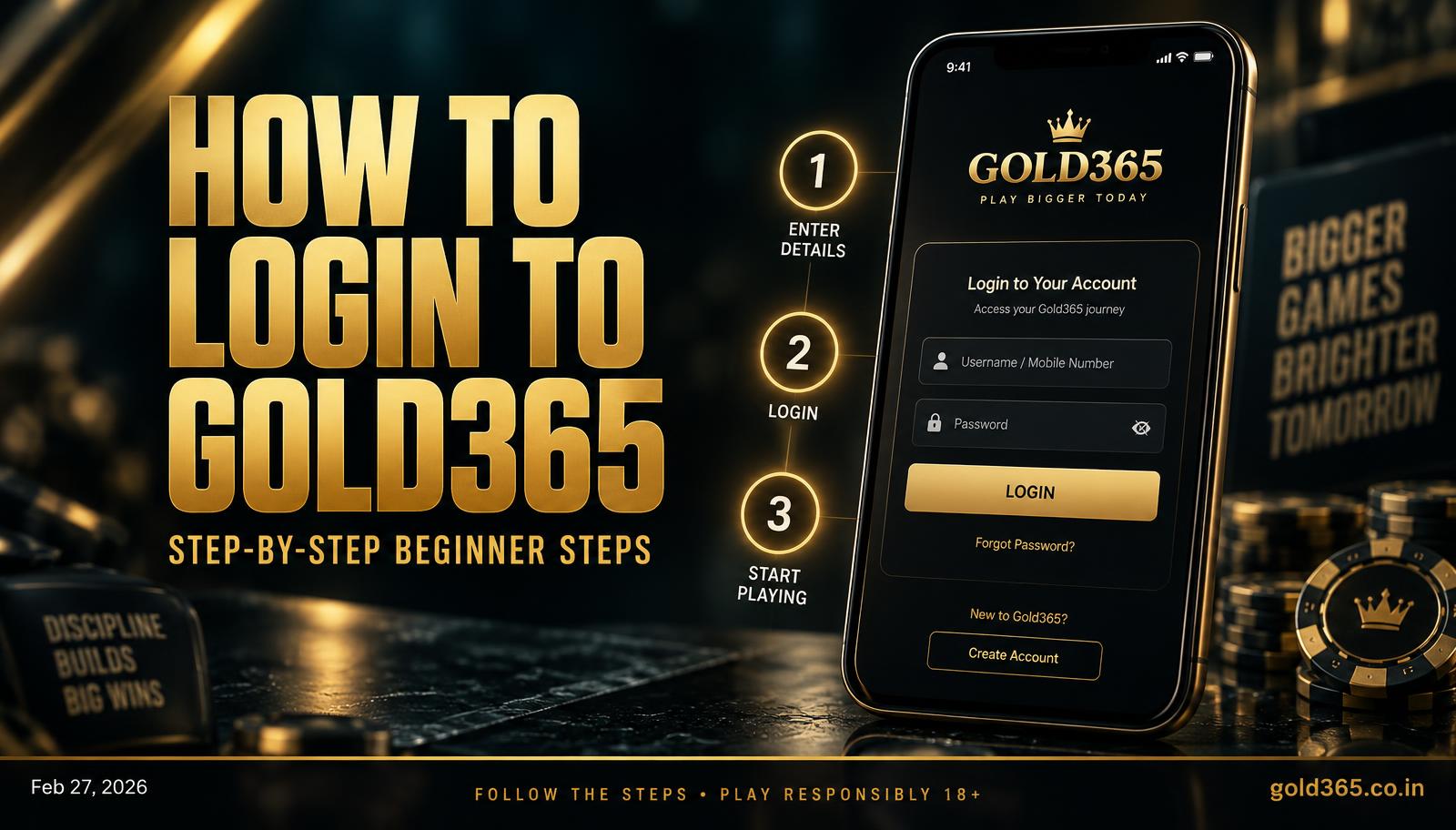
Beginner Gold365 login: the number on your ID, OTP by SMS or WhatsApp, then the wallet.
How do you log in to Gold365?
Login is the mobile number bound to your Gold365 ID plus a fresh one-time code each session — nothing more complicated than that. Beginners usually get stuck by typing the wrong number or landing on a clone site; this page is the short, correct path around both. You can't log in before the desk marks the ID live — register first. 2FA is optional extra protection on the same ID, not a second account. The login-guide hub covers the longer version of these steps.
- Open Gold365 from this site or the official app, not a forwarded APK.
- Enter the number that was verified for the ID.
- Wait for OTP on SMS or WhatsApp, and never read it out to anyone.
- Enter the code — you should see the wallet and the exchange.
- If it fails twice, stop. Use the login issues page, then WhatsApp your Gold365 ID and a screenshot.
Why would Gold365 ask for a password?
Older IDs sometimes carried a password. If a page asks for a password you never set, you may be on a clone — close it.
Does Gold365 login work the same on app and browser?
Yes, the same OTP applies. If the app fails but the site works, it's usually an old APK or cache issue, not a new ID.
Answers
Common questions
Fast answers to common login snags.
Wait a minute, check SMS and WhatsApp, and confirm the number with the desk — don't create a second ID.
Yes, same ID, but OTP still hits one number. Log out on any phone you no longer hold.
No. One Gold365 ID and one OTP login open every section, casino included.
On the Gold365 login guide page, which covers the OTP step, the number on your ID and what to do if the code does not arrive.
Cannot find what you need? Our official WhatsApp desk replies with your ID and a screenshot.
Ask on WhatsApp