
WhatsApp versus the Gold365 withdrawal screen
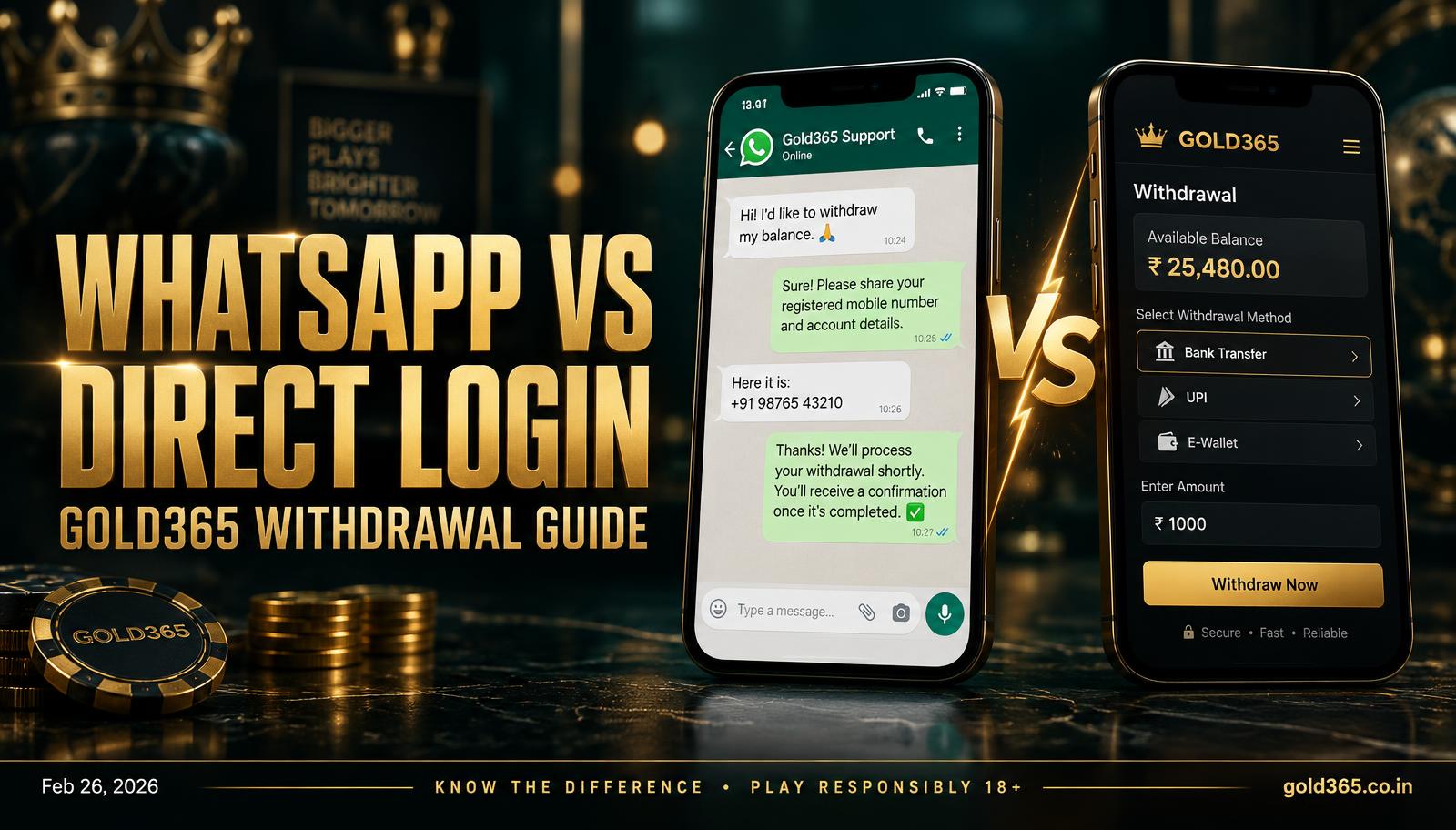
Request Gold365 payouts on the withdrawal screen. WhatsApp handles stuck buttons, KYC, and UTR matching.
Direct login path
Withdrawals belong on the Gold365 wallet screen after you log in directly — that's the actual cash-out button. WhatsApp is the desk you message when that button fails or a payout is stuck, not a faster route for sending UPI straight to someone's phone. That default path is: log in with OTP, confirm history shows settled markets, open Withdraw and pick UPI or bank in your own name, then confirm, screenshot, and keep the UTR. Our withdrawal guide covers the long version.
- 1. Log in with OTP.
- 2. Confirm history shows settled markets.
- 3. Open Withdraw and pick UPI or bank in your name.
- 4. Confirm, screenshot, and keep the UTR.
When WhatsApp is the right tool
Send your Gold365 ID, amount, and a screenshot. Never send money to a WhatsApp UPI handle because someone claims the site is down — that's exactly how clones cash out your IPL night.
- The withdraw button is missing.
- A UTR didn't match.
- KYC is pending and you need the document list.
- The ID is locked, so you can't open the wallet.
What WhatsApp cannot do
The desk cannot settle a live fancy market early, skip KYC because it's IPL weekend, or move a payout to a friend's VPA as a favour.
Answers
Common questions
Where WhatsApp fits into a Gold365 withdrawal.
Not if the wallet button works — use the screen first and treat WhatsApp as the exception route.
The desk can help a locked ID once they've confirmed it's your number, but they should never take a personal transfer.
Your Gold365 ID, amount, time, and a UTR screenshot.
No — IDs and deposits still go through WhatsApp and the Gold365 login. See our Telegram page.
Cannot find what you need? Our official WhatsApp desk replies with your ID and a screenshot.
Ask on WhatsApp