
Your Gold365 ID in 5 Simple Steps
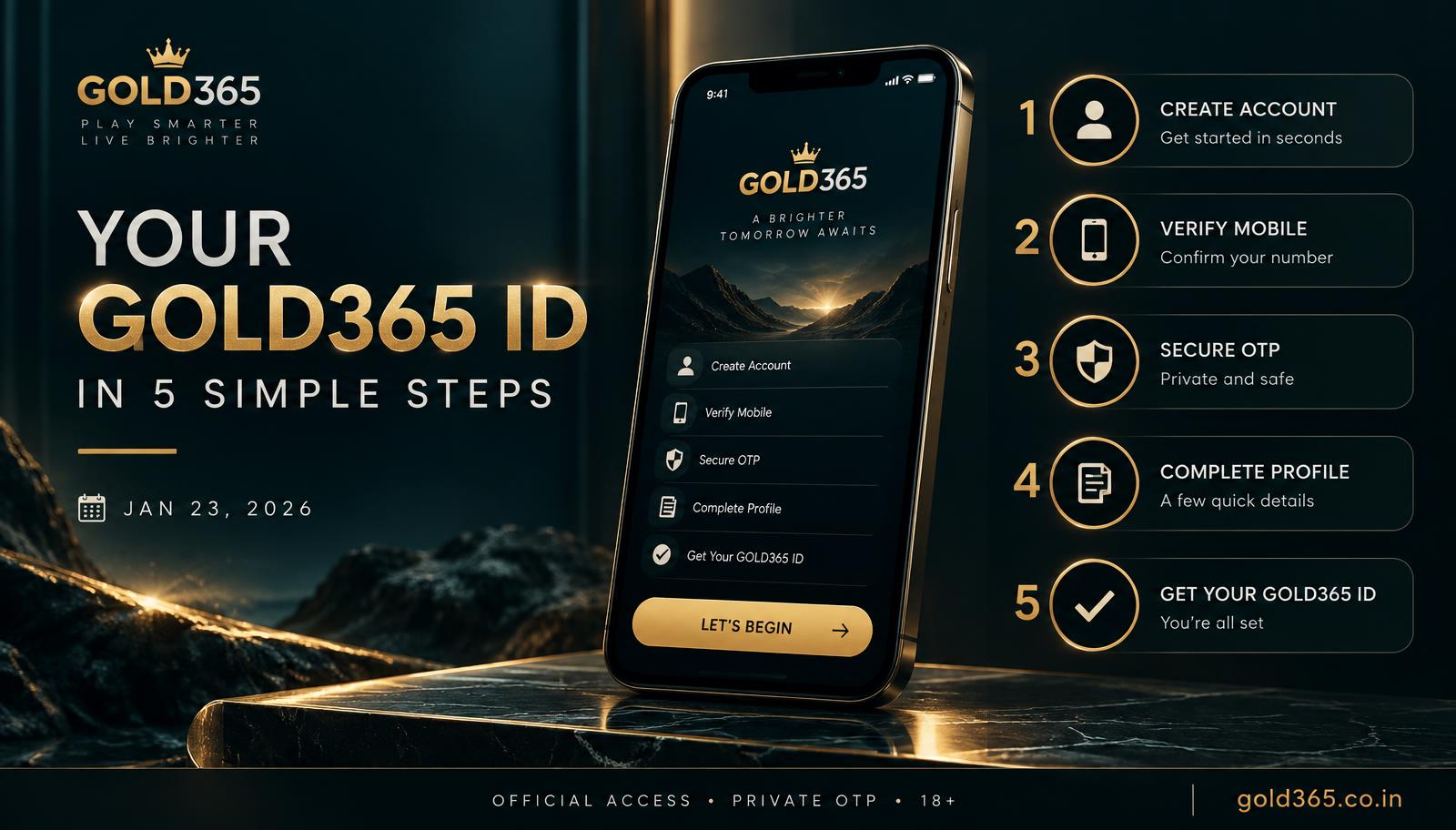
Five simple steps to a Gold365 ID: official WhatsApp, your number, OTP verification, live confirmation, then a small first UPI deposit.
The five steps
A Gold365 ID is issued on official WhatsApp and bound to your own mobile number, not a shared or borrowed one. These five steps - request, verify, OTP login, confirm, small first UPI deposit - are the entire onboarding. There's no paid shortcut and no faster route off the wallet. If a chat skips OTP and asks you to pay a personal UPI account for 'activation', stop right there - step five only happens on the Gold365 wallet screen, and only after step four is done.
- Open the official WhatsApp link on this site and say you'd like a Gold365 ID.
- Give the mobile number you'll log in with - that's the number OTP will reach later.
- Complete the OTP support sends so the ID is tied to that exact phone.
- Wait until support confirms the ID is live - usually a few minutes. Don't deposit during that wait.
- Log in, open deposit, pay with UPI, and keep the UTR. Then open cricket or casino.
After step 5
Place a small first stake so you can watch history and settlement play out on this login. Our login guide and deposit guide cover steps four and five in more depth.
If a step fails
OTP problems belong with login issues, and a pending UPI payment belongs with deposit issues. Don't start a second ID at step two just because step three is running slow.
Answers
Common questions
Here's what new players usually ask about signing up.
Often under fifteen minutes if OTP arrives promptly and support is online. KYC usually appears later, at withdrawal.
Install the app from our app page and log in with the same ID - it's the same account, not an extra registration step.
No. Keep the number on the ID in your own hands, or withdrawals and account locks get messy fast.
No - money only moves in step five, through the wallet.
Cannot find what you need? Our official WhatsApp desk replies with your ID and a screenshot.
Ask on WhatsApp