
Gold365 Bet App: Features, Access and Mobile Betting Guide
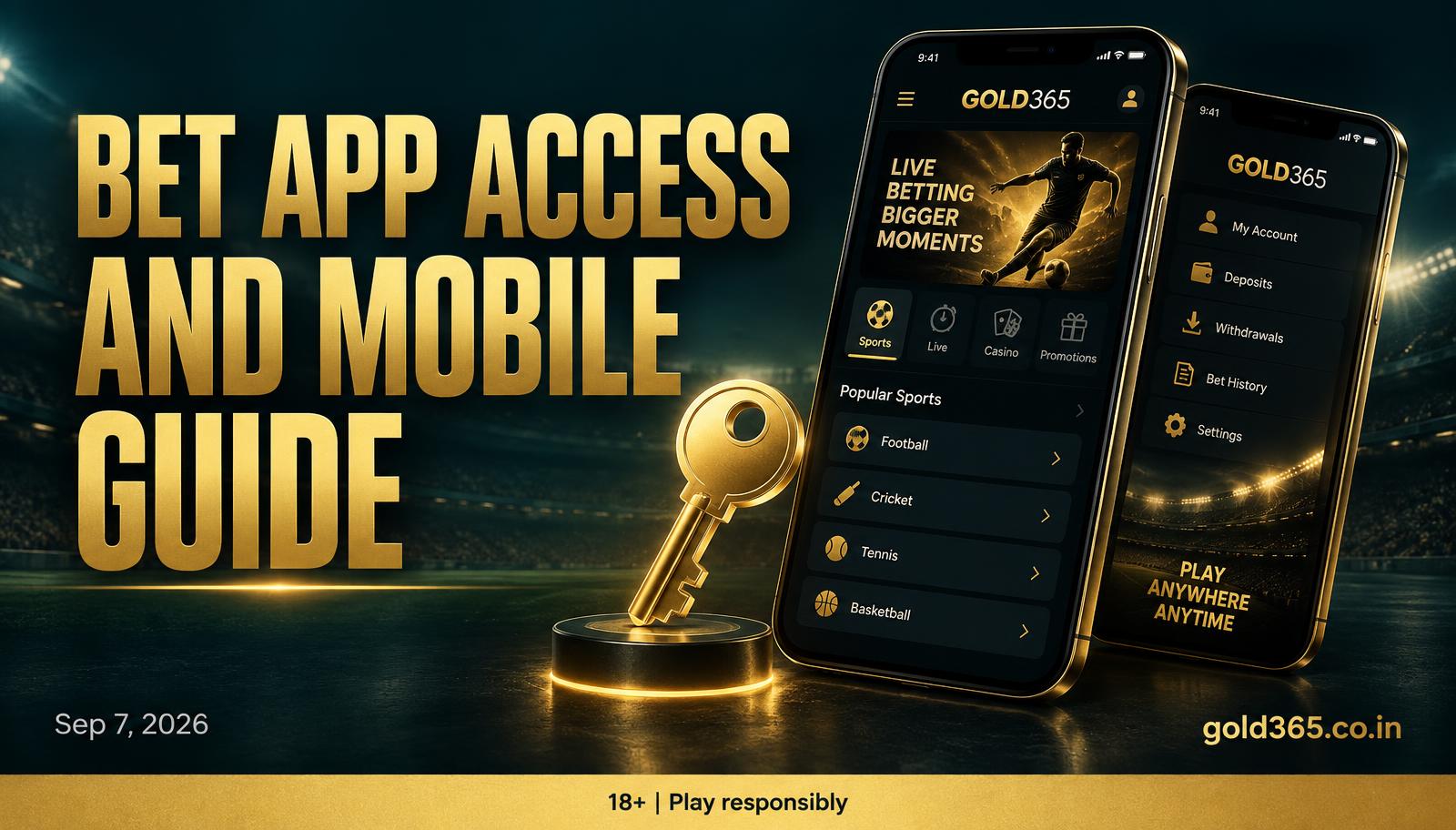
Gold365 bet app access runs through the official APK or iPhone home screen, on the same Gold365 ID, with features and a mobile betting walkthrough.
What is the Gold365 bet app?
The Gold365 bet app is the Android APK or iPhone home-screen shortcut that opens your Gold365 ID. Search phrases split it into Gold365 betting app and Gold365 bet mobile app, but it is the same product: cricket, football, tennis, and casino sit on that ID when they are listed. It is a book on your phone, not a fantasy XI and not a second wallet. A Gold365 bet mobile app in India is still that ID on an Indian SIM, with OTP on the number the desk stored and UPI from GPay, PhonePe, or Paytm when the wallet lists them. A chat that sells an app ID separate from WhatsApp is a clone pitch.
How do you get access to the Gold365 bet app?
Access starts with a live Gold365 ID; installing a file does not create the login. The desk issues the ID on official WhatsApp from this site, and only then should you open the official app page, never a Drive zip.
- Get the ID: message official WhatsApp with the number that will receive OTP, and wait until the desk confirms the Gold365 ID is live.
- Install access: download the Android APK from the Gold365 app page, or add the iOS home-screen shortcut using the notes there, skipping Telegram attachments.
- Sign in with the number on the ID, then the OTP from SMS or WhatsApp, waiting a minute before you resend once.
- Fund the wallet if you need a stake: open the on-screen UPI method, pay, and keep the UTR, without sending a second payment while the first is pending.
- Place a mobile bet by opening a listed fixture, reading the market name, confirming a small stake, then watching history for settlement.
What features does the Gold365 betting app actually have?
The app does not print extra odds; the price is the book on that ID. One-hand live cricket is the usual reason people keep the app open, while two fixtures side by side is easier on a laptop. Logging out on the phone does not always log out a browser tab, so WhatsApp the desk if a handset is gone.
- Same Gold365 ID and OTP as the website.
- UPI wallet when that method is listed.
- Listed sports that day, including IPL while the season is up.
- Live casino if the lobby is enabled on the ID.
- Bet history, pending versus settled.
- Withdrawal to UPI or bank in the same name as the ID.
How do you bet on mobile without fighting the phone?
A few habits keep the mobile experience smooth on any device.
- Keep the OTP SIM in the handset you bet from.
- Screenshot the UTR before you jump back from GPay or PhonePe.
- Lock orientation on live cricket so a rotate does not reload the slip.
- If data drops, open history before you stake the same market again.
- Log out on a shared family phone, since SMS access is app access.
Answers
Common questions
Direct answers on getting access to and using the Gold365 bet app.
It is the mobile login for your Gold365 ID: Android APK or iPhone home screen from the official app page. The Gold365 betting app and the Gold365 bet mobile app are the same door, with sports books and the UPI wallet following that ID.
Get a live Gold365 ID on official WhatsApp, then install only from this site's app page and log in with OTP. You never buy access from a forwarded file, and installing does not register a second ID.
No. Gold365 bet mobile app India still means an Indian number, OTP, and UPI on the same Gold365 ID; there is no separate India APK you should pay for in chat.
Yes, when that fixture is listed. Open the match, read the market name, and confirm a stake, starting around ₹10 to ₹50 until you have seen one settlement in history.
Usually an old APK or a stuck session; reinstall from the app page or clear app data, then request OTP once. A lock still needs the desk with the ID and a screenshot.
No. Withdrawal sits on the ID, so you can request UPI or bank from the website once history shows settled. KYC can pause that step until the name matches.
Cannot find what you need? Our official WhatsApp desk replies with your ID and a screenshot.
Ask on WhatsApp